- 10 August, 2026
Digital Safety for Children’s Eyes: Simple Ways to Protect Young Eyes in a Screen-Filled World
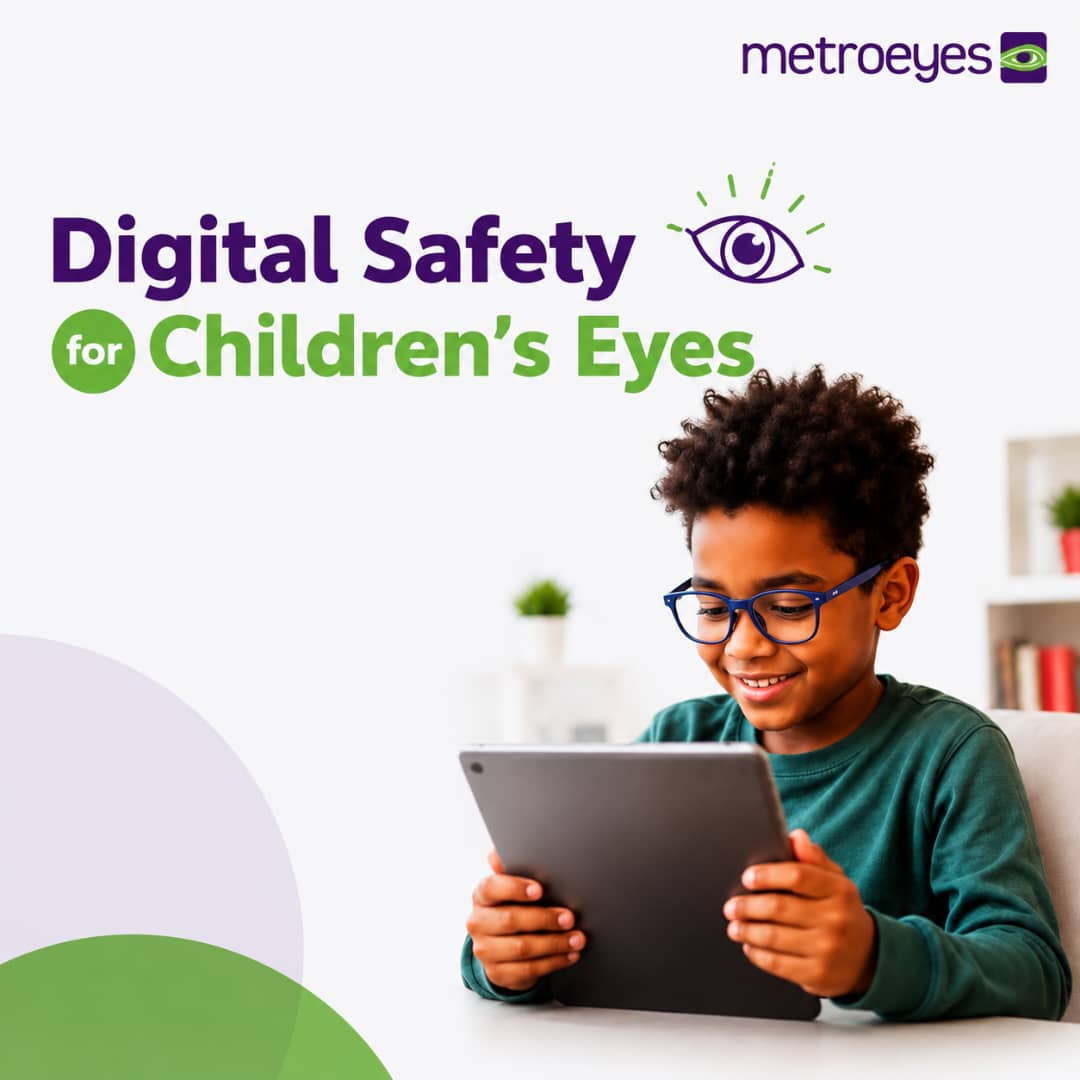
Children today are growing up in a digital world. From online classes and educational apps to cartoons, video games, social media, and video calls, screens have become an important part of everyday life.
While digital devices can support learning, communication, and entertainment, spending long periods looking at screens can place significant demands on young eyes. Children may experience symptoms such as tired or strained eyes, headaches, blurred vision, dry or irritated eyes, and difficulty focusing after prolonged screen use.
The good news is that parents and caregivers can help children develop healthier digital habits. Small changes in how children use their devices can make screen time more comfortable and help support their overall eye health.
How Does Screen Time Affect Children's Eyes?
When we look at a screen, our eyes are constantly working to maintain focus, particularly when the device is held close to the face. We also tend to blink less frequently when concentrating on digital content.
Reduced blinking can cause the surface of the eyes to become dry and uncomfortable. Extended periods of close-up focusing can also contribute to temporary eye strain and fatigue.
Children may not always recognize or communicate these symptoms. Instead, they may simply become irritable, lose concentration, complain of headaches, rub their eyes, or lose interest in activities that require visual concentration.
This is why parents should pay attention not only to how much screen time their children have, but also to how they use their devices.
1. Encourage the 20-20-20 Rule
One of the simplest ways to reduce digital eye strain is to encourage regular breaks.
Teach your child the 20-20-20 rule:
Every 20 minutes, look at something about 20 feet away for at least 20 seconds.
The purpose is to give the eyes a chance to relax from continuous close-up focusing.
For younger children who may forget to take breaks, parents can use a timer or make eye breaks part of their routine. For example, after completing a short activity on a tablet, encourage the child to look out of a window, walk around, or engage in another activity away from the screen.
2. Encourage Regular Screen Breaks
Even when children follow the 20-20-20 rule, they should not spend their entire day on digital devices.
Encourage children to alternate screen-based activities with activities that do not require prolonged close-up viewing. Reading a physical book, playing with toys, helping around the house, participating in sports, or simply spending time outdoors can provide a healthy change of visual focus.
For younger children especially, screen time should not replace opportunities for movement, social interaction, sleep, and play.
3. Maintain a Comfortable Viewing Distance
How close a child holds a device matters.
Encourage children to avoid holding phones or tablets extremely close to their faces. Where possible, screens should be positioned at a comfortable distance—generally around an arm's length away for larger screens such as computers.
For computers, the top of the screen should generally be positioned around eye level or slightly below, allowing the child to look comfortably at the screen without constantly bending the neck or straining the eyes.
Parents should also discourage children from lying extremely close to a television or bringing handheld devices right up to their faces.
4. Avoid Using Screens in a Completely Dark Room
Watching a bright screen in a completely dark room can make viewing uncomfortable because of the contrast between the screen and the surrounding environment.
Instead, encourage children to use screens in a comfortably lit room. The lighting should not create strong glare or reflections on the screen.
If your child frequently complains of discomfort while using a device, consider checking the room lighting and screen position before assuming that the problem is simply "too much screen time."
5. Remind Children to Blink
It may sound simple, but blinking plays an important role in keeping the eyes comfortable.
When children concentrate on a screen, they may blink less frequently. This can contribute to dryness, irritation, or a gritty sensation in the eyes.
Encourage your child to consciously blink regularly, particularly during prolonged screen activities.
If your child consistently complains of dry, burning, or uncomfortable eyes, an eye examination can help determine whether there is an underlying issue.
6. Adjust Screen Brightness and Text Size
Children should not have to strain to see what is displayed on a screen.
Make sure the screen brightness is comfortable for the surrounding environment. Avoid extremely bright screens in dim environments and reduce glare where possible.
For reading or schoolwork, increasing the font size can also make content easier to view without requiring the child to move closer to the screen.
The goal is simple: the child should be able to see the content clearly without squinting or leaning excessively toward the screen.
7. Encourage More Outdoor Time
Healthy digital habits are not only about reducing screen time. They are also about making room for activities away from screens.
Encourage children to spend time outdoors through activities such as walking, playing sports, cycling, or simply playing in a safe outdoor environment.
Spending more time outdoors is particularly important in childhood, as research has associated greater outdoor time with a lower risk of developing myopia (short-sightedness).
Outdoor activities also encourage children to look at objects at different distances rather than spending most of their time focusing on nearby screens.
8. Create Screen-Free Times and Spaces
Instead of constantly telling children to "stop using the phone," establish clear household routines.
For example, families can create screen-free periods:
- During meals
- During family conversations
- Before bedtime
- During outdoor play
- During certain study or rest periods
Parents can also consider keeping phones and tablets away from the child's sleeping area at night.
Having consistent family rules makes healthy screen habits easier for children to understand and follow.
9. Protect Sleep as Well as Eye Health
Screens can become particularly problematic when they interfere with a child's sleep routine.
Children need adequate sleep for healthy growth, development, learning, and overall well-being. Using phones, tablets, or other devices immediately before bedtime can make it harder for some children to settle into their sleep routine.
Encourage children to have a wind-down period before bed and, where practical, keep recreational screens outside the bedroom.
10. Don't Ignore Warning Signs
Parents should pay attention to how their child behaves during and after screen use.
Signs that may indicate visual discomfort or an underlying vision problem include:
- Frequent squinting
- Excessive eye rubbing
- Frequent blinking
- Headaches
- Complaints of blurred or double vision
- Holding devices unusually close to the face
- Sitting very close to the television
- Covering one eye
- Difficulty concentrating on near tasks
- Avoiding reading or other visually demanding activities
- Complaining that their eyes hurt or feel tired
These signs do not necessarily mean that screen time is the cause. They may also indicate an uncorrected refractive error or another eye condition.
That is why persistent symptoms should not simply be attributed to "too much phone use."
Does Screen Time Mean My Child Needs Glasses?
Not necessarily.
A child who squints, complains of headaches, or moves closer to a screen may be experiencing digital eye strain, but these symptoms can also occur when a child has an uncorrected vision problem.
For example, a child with short-sightedness may naturally move closer to the television because distant objects appear blurry. Another child may struggle with close-up tasks because of difficulties with focusing or eye coordination.
The only way to determine whether a child needs glasses or other treatment is through a comprehensive eye examination.
Regular Eye Examinations Are Essential
Healthy screen habits are important, but they do not replace professional eye care.
Children may have vision problems without realizing that their vision is abnormal. They may assume that everyone sees the same way they do, making it difficult for parents to identify a problem based solely on complaints.
Regular comprehensive eye examinations can help detect refractive errors and other eye or vision problems early.
Early detection is particularly important during childhood because vision plays an important role in learning, reading, coordination, and everyday development.
A Simple Digital Eye Health Checklist for Parents
Before your child settles down with a phone, tablet, computer, or television, remember:
✔ Take regular breaks
Use the 20-20-20 rule during prolonged screen activities.
✔ Maintain a comfortable viewing distance
Avoid holding phones and tablets extremely close to the face.
✔ Keep the room comfortably lit
Avoid using bright screens in a completely dark room.
✔ Encourage blinking
Regular blinking helps keep the eyes comfortable.
✔ Reduce glare
Position screens to minimize reflections from windows and lights.
✔ Make time for outdoor activities
Balance screen-based activities with active play and time outdoors.
✔ Protect sleep
Establish screen-free periods, particularly around bedtime.
✔ Watch for warning signs
Persistent headaches, squinting, eye rubbing, blurred vision, or difficulty seeing should not be ignored.
✔ Schedule regular eye examinations
Professional eye care is essential for identifying vision problems that may not be obvious at home.
Healthy Screen Habits Today, Healthier Vision Tomorrow
Technology is not going away—and it doesn't have to.
The goal is not necessarily to eliminate screens from children's lives, but to help them develop healthy and balanced digital habits. With appropriate breaks, comfortable viewing conditions, outdoor activities, adequate rest, and regular eye examinations, parents can help their children use technology more comfortably while supporting their overall visual health.
Most importantly, don't wait for your child to complain before checking their eyes. Some vision problems may go unnoticed because children simply adapt to the way they see.
If you have noticed changes in your child's visual habits or any of the warning signs mentioned above, consider scheduling a comprehensive eye examination with a qualified eye care professional.
Give Your Child the Best Start for Healthy Vision
At Metroeyes, we believe that healthy vision is an important part of a child's ability to learn, play, and thrive.
If you are concerned about your child's vision or would like to have their eyes professionally assessed, book a comprehensive eye examination today.
Click the Appointment icon on our website or contact Metroeyes to schedule an appointment.
Healthy screen habits today can make a difference to your child's vision tomorrow.
You are a few steps away from a clearer future